
Step 1: Enter the app and select “Buy”
Once inside Bitsave:
Touch the button"Buy"
Choose the asset you want (USDC, Bitcoin or other assets available in the app)
Step 2: Enter the amount
Write how much you want to buy.
You can start from$250 MXN
Before confirming, you will see:
Exchange rate
Total to pay
Operation detail
Step 3: Choose your payment method
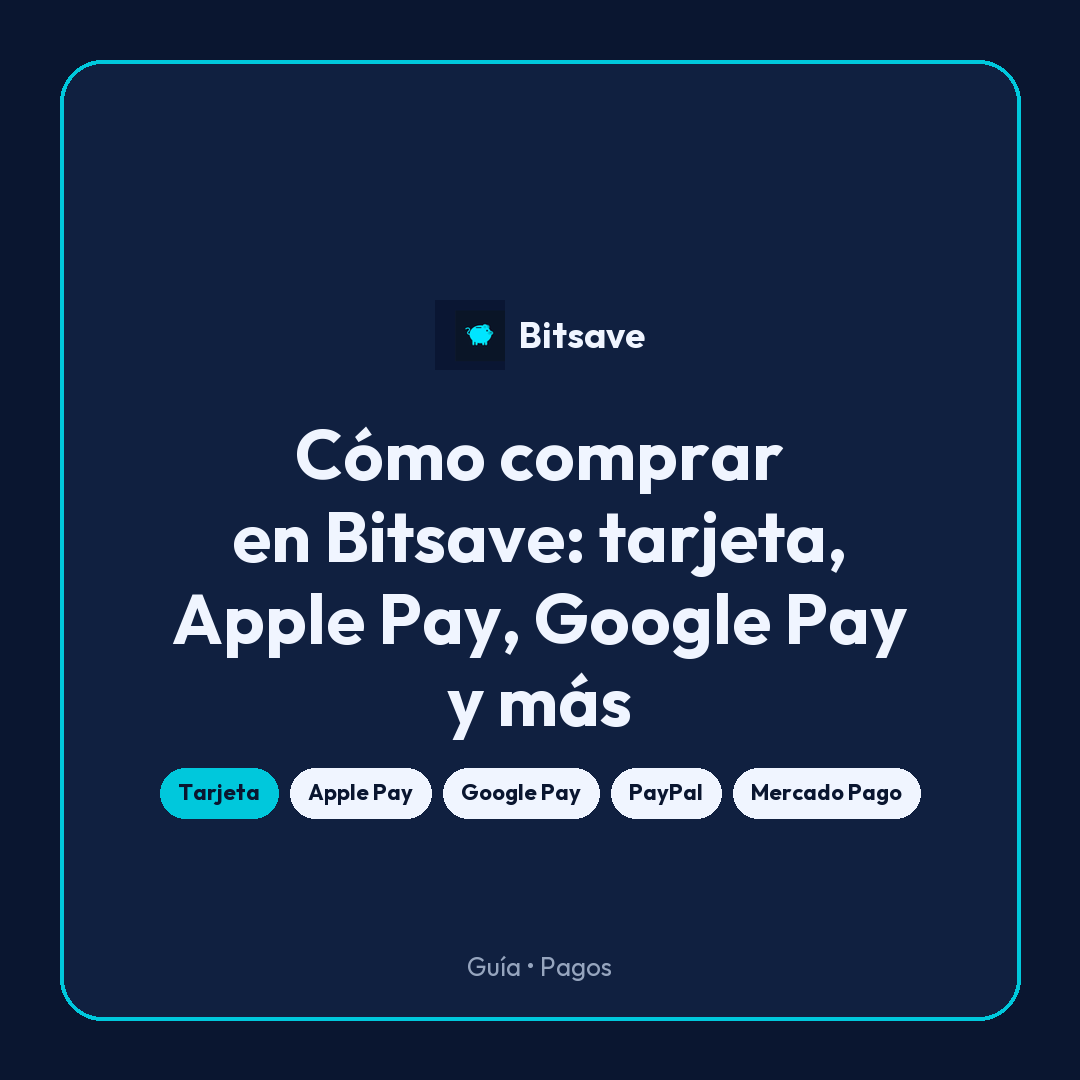
Bitsave allows you to pay with different methods so you can choose the most convenient one:
🔹 Card (credit or debit)
Quick and easy
Almost immediate confirmation
🔹Apple Pay
One-touch payment
Without manually entering data
🔹 Google Pay
Similar to Apple Pay
Safe and fast
🔹 PayPal
Ideal if you already have a balance or linked account
🔹 Payment Market
Popular in LATAM
Flexible payment alternative
Step 4: Confirm your purchase
Once you choose the method:
Check the details
Confirm payment
In most cases:
✔ Your purchase is processed in seconds
✔ You will see the assets reflected in your account
What are you buying?
When you buy on Bitsave:
You are converting your weights to:
USDC→ stable digital dollars (~1 USD)
Bitcoin→ digital asset with price variation
Other assets available in the app→ additional digital assets based on availability
Important things to consider
Some cards may decline payments
There may be processor fees
Exchange rate may vary slightly before confirming
Is it safe to buy like this?
Yeah! Bitsave:
Use institutional custody with BitGo
Protect transactions with security standards
Complies with verification processes (KYC)
What can you do next?
Once you purchase:
Can:
Save your money inUSDC (digital dollars)
BuyBitcoin in the long term
Maintain or diversify inother assets available in the app
Remove when you need it
Your next step
Start with a small amount
Get familiar with the app
Build the habit
References
[1] Bank of Mexico. “Interbank Electronic Payment System (SPEI)”.
https://www.banxico.org.mx/spei
[2] Circle. “USDC Transparency and Reserves”.
https://www.circle.com/transparency
[3] BitGo. “Institutional Digital Asset Custody”.
This content is informational and does not constitute financial, tax or legal advice.
The use of digital assets involves risks, including exchange rate variations, regulatory changes and technological risks.
Before making financial decisions, we recommend consulting with a professional.
Virtual assets are not legal tender in Mexico and are not backed by the Federal Government.